
If you’ve bought a budget smartwatch or fitness band recently, there’s a good chance it’s powered by the Realtek 8762 chip. It’s a compact, low-energy Bluetooth chipset used in a wide range of unbranded or OEM smart devices. These smartwatches are often affordable, functional, and feature-rich, but one issue users commonly face is charging confusion. Whether your charger is missing, not working, or you’re not sure how to use it, this guide covers everything you need to know about the Realtek 8762 charger.
What Devices Use the Realtek 8762 Chip?
The Realtek RTL8762 series is popular in:
- Smartwatches (models like Y68, T500, or QW09)
- Fitness trackers
- Budget Bluetooth wearables
- Some audio gadgets and health monitors
These devices are often sold under various brand names or with no brand at all. The chip enables features like heart rate tracking, step counting, Bluetooth connectivity, and long battery life.
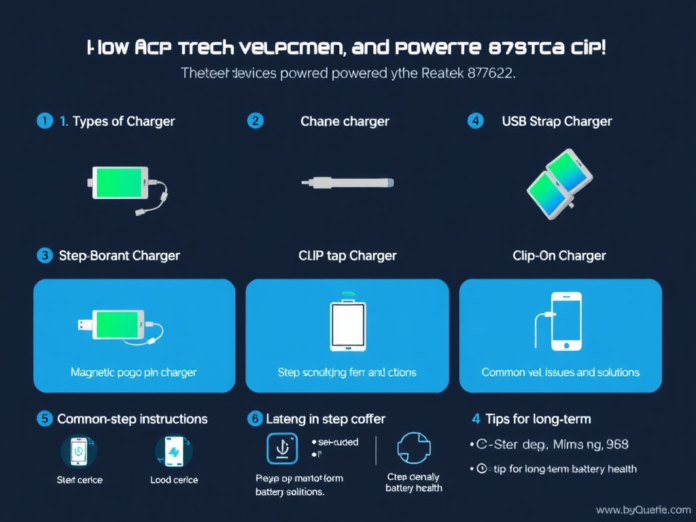
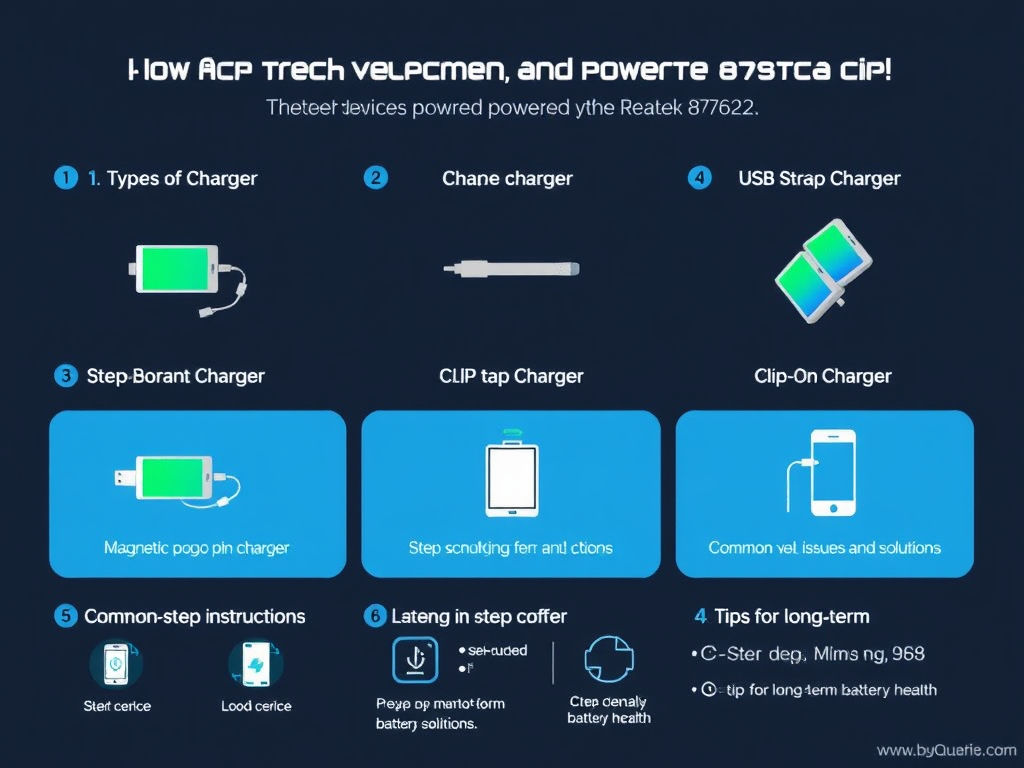
Types of Realtek 8762 Chargers
There’s no “one-size-fits-all” Realtek charger. The charger depends on the smartwatch model, but most fall into one of three categories:
- Magnetic Pogo Pin Charger
- Most common
- Uses magnetic contact points to align and charge
- USB end connects to a power source
- USB Strap Charger
- Built directly into the watch strap
- Remove the strap to reveal a USB plug
- Plug directly into a power bank, laptop, or USB adapter
- Clip-On Charger
- Less common, often for oval or curved watches
- Clips around the watch body and aligns the contact pins
- USB cord included for connection
How to Use the Realtek 8762 Charger
For Magnetic Chargers:
- Line up the charger pins with the contacts on the back of your watch.
- Let the magnets snap into place.
- Plug the USB end into a 5v charger, laptop, or power bank.
- Watch for a charging icon or screen backlight to confirm it’s charging.
For USB Strap Chargers:
- Remove the correct side of the watch band, usually marked.
- Plug the exposed USB head into a standard USB port.
- Make sure it’s plugged in the correct orientation.
- Wait for a charging indicator or screen response.
How Long Does Charging Take?
Most Realtek 8762-powered devices have small batteries, ranging from 90mAh to 180mAh. Charging typically takes:
- 1.5 to 2 hours from empty to full
- Charging with a standard 5V/1A or 5V/2A adapter is safest
- Avoid fast-charging bricks, which can overheat or damage the battery.
What If You Lost the Original Charger?
Since many Realtek 8762 devices are unbranded, it can be tricky to find a replacement. Here’s how to get the right one:
- Search by your watch model number (found on the back)
- Look up compatible chargers by design, such as “Y68 magnetic charger” or “T500 USB charger,” etc.
- Choose a seller with good reviews, and make sure the pin layout matches your watch.
- Avoid using generic chargers not specifically made for smartwatches, as they can damage the device.
Troubleshooting Charging Issues
Device Not Charging?
- Check for dust or oxidation on contact pins
- Try a different USB port or power adapter
- Make sure the pins are aligned correctly
- Flip the USB connector (especially for strap-based chargers)
No Screen Response?
- Leave the device charging for at least 15 minutes
- Try long-pressing the power button afterwards
- Use a multimeter to test the USB charger for output
Tips for Long-Term Charging Health
- Don’t leave the device plugged in overnight
- Keep away from heat sources during charging
- Remove the battery if the device gets hot while charging
- Store unused watches at about 50% charge
These habits can extend battery lifespan and keep your Realtek-powered device functioning longer.
READ MORE – Realtek 8762 Charger Manual: Complete Guide to Charging and Usage
FAQs :
- Can I use any USB charger with my Realtek device?
No. Use only the charger specifically designed for your smartwatch model. Check for proper alignment and 5v output. - How can I tell if my Realtek watch is charging?
Look for a battery icon, backlight, or screen indicator. Some may vibrate or show a charging percentage. - Is it safe to charge the device with a power bank?
Yes, as long as the power bank outputs 5v and isn’t a high-speed fast charger. - My charger is hot, is that normal?
A little warmth is okay. If it becomes too hot to touch, unplug it and try a different charger. - Where can I buy a replacement charger?
Search for your device model on online stores or marketplaces using terms like “Y68 magnetic charger” or “USB charger for T500”.
Conclusion:
Owning a smartwatch or fitness tracker with a Realtek 8762 chip means reliable features at an affordable price. But understanding the correct Realtek 8762 charger and using it properly is key to keeping your device safe and effective. Whether you’re using a magnetic charger, clip-on, or USB strap type, always charge with care. If you’ve lost your charger, replacements are easy to find; just match it with your device’s shape, size, and pin layout.